
86% of recruiters evaluate your profile in under 30 seconds. Your photo is the first thing they process — and the background speaks before you do.
This isn't an aesthetic question. Every color sends a subconscious message about your industry, your seniority, and how you work. Choosing the right professional photo background isn't a detail — it's strategy.
Which one is right for you? It depends on where you work and what you want to project.
What does your professional photo background communicate subconsciously?
Your background isn't decoration — it's context. Color psychology research confirms that the visual environment around your face alters the perception of competence and confidence within milliseconds.
A profile with a professional photo receives up to 21 times more views and 9 times more connection requests than one without (LinkedIn, 2025). But having a photo isn't enough — what it communicates matters. A professional headshot improves perceived competence by 76% and influence by 62%, according to LinkedIn and Aragon AI data.
The wrong background distracts. The right one disappears — and lets your face do the talking.
The first visual test
Personal branding expert Guillem Recolons puts it plainly: "Your personal image is the first exam. Fail it, and the contact is gone — so is the project."
55% of a first impression is visual. And that impression forms in 0.1 seconds — before anyone reads your job title, your company, or your career history.
Is white always the best background for a LinkedIn headshot?
No. Pure white merges with LinkedIn's white interface, creating a "floating head" effect — your face appears to hover without any visual separation. The result looks more like a passport photo than a professional headshot.
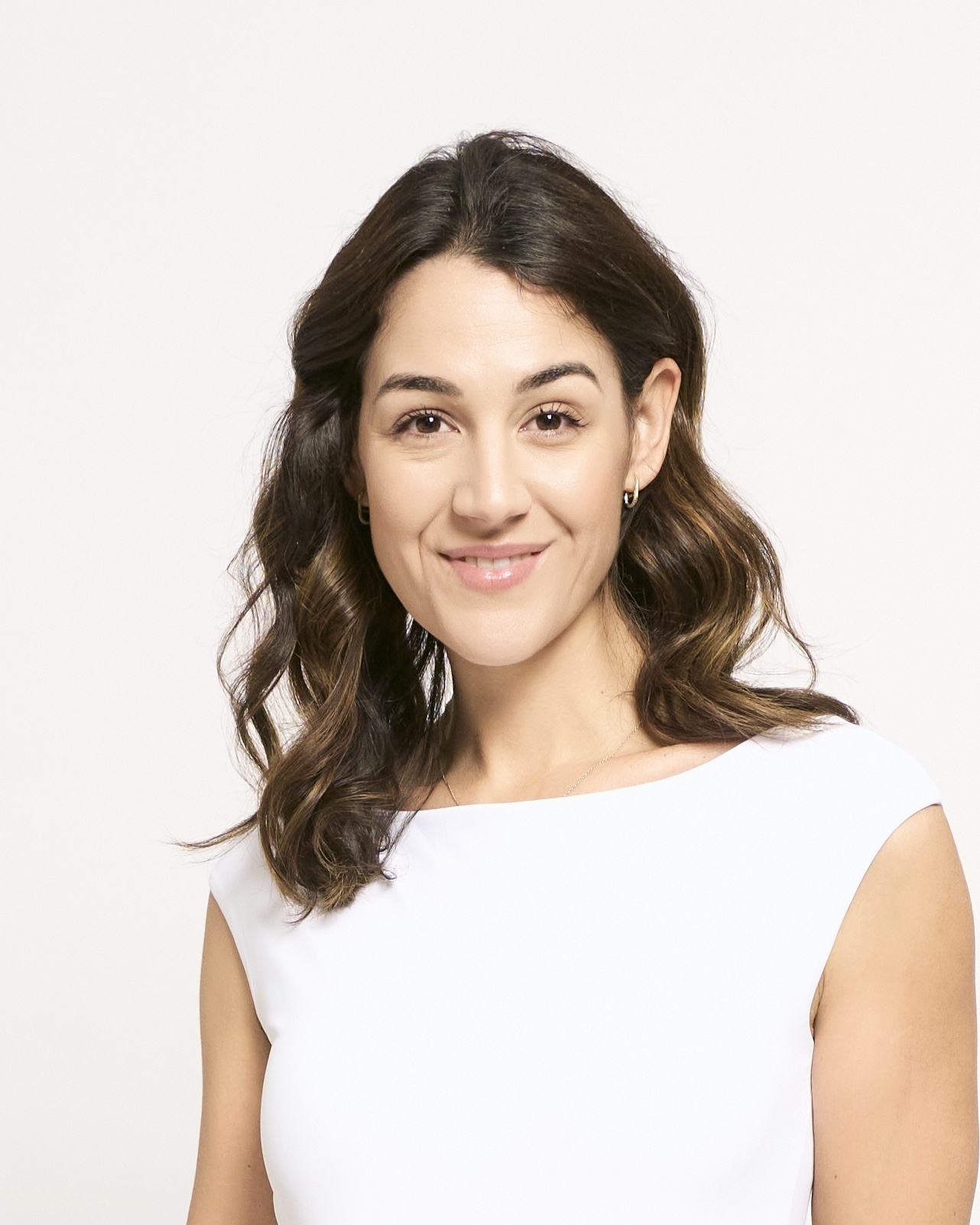
This is one of the most common misconceptions. A white background headshot has its place, but it's not universal.
When white actually works
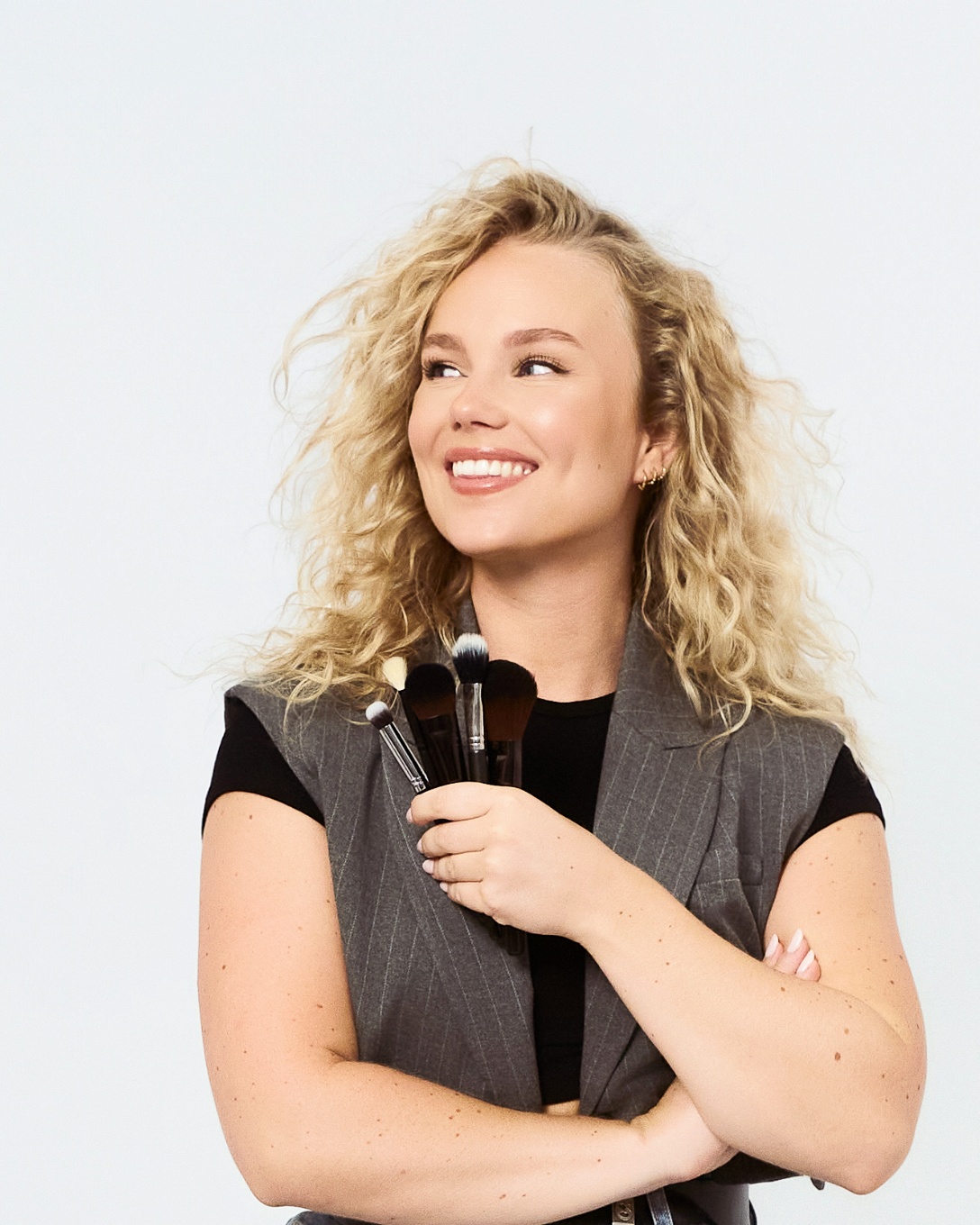
White works when there's high contrast: dark clothing (navy, black, charcoal) or a deeper skin tone. In those cases, the separation is sharp and the effect is clean, modern — associated with tech, healthcare or startups.
When it fails: if you're wearing light-coloured clothes or have a fair complexion, your figure blends into the background and into LinkedIn's white UI at the same time. The result is a photo with zero visual impact.
There's a hidden cost too: white doesn't forgive lighting errors. Any shadow or gradient is immediately exposed. It demands extra retouching that most people don't factor in. Pairing it with the right outfit for your session makes all the difference.
Why is grey the most widely used background in corporate headshots?
Light grey is the number-one recommendation from professional headshot studios worldwide. It works with any skin tone, any clothing colour, and creates natural separation inside LinkedIn's profile circle without any effort.
It's the default studio background for LinkedIn — and for good reason. Neutral doesn't mean characterless. It means the background doesn't compete with the most important thing in the frame: your face.
Light grey vs dark grey
- Light grey: open, approachable, modern. Works for sales, marketing, HR, consulting, tech.
- Dark grey / charcoal: authority, solidity, elevated tone. Ideal for C-suite and senior advisory roles.
At our Barcelona studio, most clients arrive asking for a white background "because that's the standard." When they see themselves in the mirror next to grey, 80% change their mind on the spot — the contrast with their clothing stands out immediately, and the photo gains visual consistency without losing professionalism.
Here's an advantage that rarely gets mentioned: in a self-photo studio, you see the actual background behind you in the mirror before you shoot. You're not relying on a photographer's judgment or waiting to see results on a screen afterwards. You evaluate in real time, switch if something isn't working, and shoot when you decide.
When should you use a dark background — navy, charcoal or black?
Dark backgrounds communicate authority and sophistication. They're the natural choice for finance, law, and C-suite roles. But they require professional lighting — otherwise the background swallows your silhouette.
Navy and royal blue are associated with competence, trust, and reliability according to headshot background color psychology studies. They're the go-to for lawyers, banking executives, and government professionals.

The problem with pure black
Pure black has one serious flaw: if your hair is dark and there's no backlight creating separation between your silhouette and the background, your head disappears into the frame. The result looks like a portrait from the 90s — not a 2025 headshot.
The rule is straightforward: a dark background requires lighting that creates clear separation between you and it. Without that separation, the effect is the opposite of what you're aiming for.
For personal branding photography or corporate team photos, a dark background can be the differentiating choice — when executed properly.
Does an outdoor background work for a professional photo in Barcelona?
It can — but it requires experience and specific conditions. An outdoor setting adds authenticity, but introduces variables you can't control: light that shifts minute by minute, people walking through the frame, visual elements that compete for attention.
An outdoor LinkedIn profile picture background works for creative profiles, architects, personal branding for entrepreneurs, or professionals whose physical environment reinforces their message. For a standard corporate headshot, there's too much visual noise.
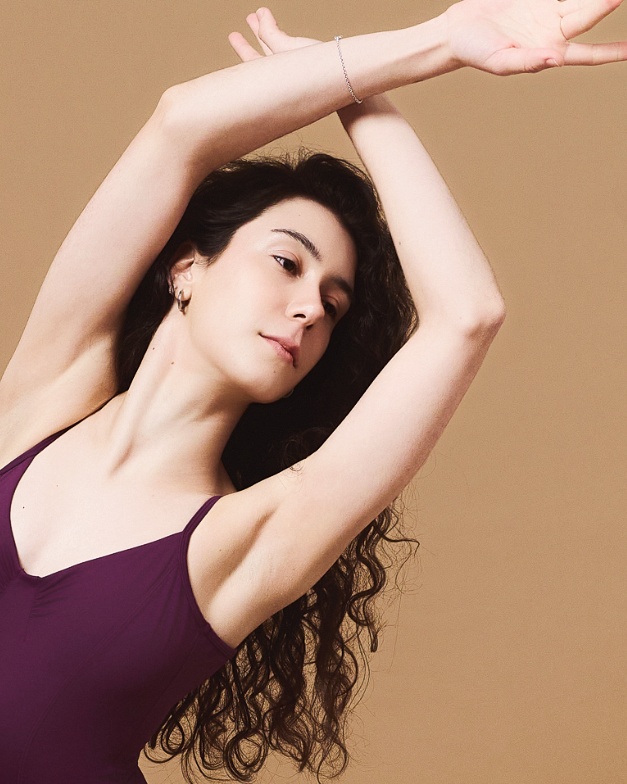
The real problem with outdoor: zero consistency
What we see with our clients in Barcelona is that outdoors, you control nothing: the light at 10am is different from the light at noon, someone can walk into the frame at the perfect moment, and the background varies shot by shot. Out of 200 frames, maybe 20 have a "clean" background.
In a private studio, the background is identical in every photo. If you want an outdoor or warm look — it can be simulated with lighting and colour temperature, but with full control over the result.
The golden rule: the best background is the one that disappears
If someone looks at your photo and notices the background, the background is wrong. The right one is invisible — it only reinforces the impression your face already makes.
The ideal professional photo background varies by industry. Quick guide:
- Tech / startups: light grey or white (only when there's enough contrast with clothing)
- Finance / law: navy or charcoal
- Creatives / personal branding: soft bokeh or controlled outdoor
- Not sure what to pick: light grey — it never fails
86% of recruiters complete their visual screening in under 30 seconds (Onrec, 2025). Your background needs to reinforce your message in that window. Not compete with it.
Bokeh: blurred or sharp background?
Soft bokeh — a blurred background — is the dominant trend in professional headshots for 2025-2026. It adds depth, isolates your face and avoids the passport photo effect. It works well on neutral backgrounds (grey, navy) and outdoors.
A sharp background only adds value when the context says something relevant: your office, your studio, an environment that forms part of your brand. If the sharp background doesn't tell a story, it distracts.
Can you change the background with AI after the shoot?
Technically yes. But the results give it away. AI generators create visible artefacts: hair edges cut out unevenly, shadows that don't match the direction of light, and an uncanny valley effect that recruiters are trained to spot.
59% of hiring managers already suspect AI use in profile photos, according to a Checkr survey of 3,000 managers (2025). An artificial background is a red flag — not a sign of professionalism. In fact, recruiters detect AI-generated photos more often than most people think.
The specific problem lies in fine details: hair, shoulder edges, light transitions. These are exactly the areas where AI masking algorithms break down. And the result looks exactly like what it is — a cutout.
Clients who have brought AI-generated headshots to our studio show the same pattern: the background "doesn't fit" — the shadow direction doesn't match the lighting on the face, or hair edges show pixels from the original background. These are details a trained eye catches in seconds.
In a self-photo studio, you see the actual background behind you in the mirror. The camera captures exactly what you see. No cutouts, no false edges, no lighting inconsistencies. The result is authentic — because it is.
The mirror advantage vs traditional photographer
With a traditional photographer, you trust their judgment. You see the result afterwards. If the background didn't work with your outfit or your skin tone, you find out once the session is over.
In a self-photo studio format, you stand in front of the mirror and see — in real time — the combination of background, lighting and outfit before you shoot. If something isn't working, you change it. The control is yours — not the photographer's.
No photographer. No pressure. And the confidence that what you see in the mirror is exactly what comes out in the photo.
The right professional photo background isn't the most expensive or the most dramatic. It's the one that disappears and lets your professional image speak.
Light grey for most people. Navy for authority. White only with high contrast. Outdoor if you know what you're doing — or if you have a controlled environment.
Profiles with a professional photo receive up to 21 times more views (LinkedIn, 2025). The question isn't whether to update yours — it's when.
Barcelona · Plaza Catalunya
We match the background to your industry — in the studio
Private room with 4 professional backgrounds. You see yourself in the mirror before you shoot — no photographer, no pressure. 200+ photos in 20-40 minutes.
Book your professional photo session